Blog #10: Fanschool

This blog is about a website I found from a blog all about the best technologies to use in the classroom, Fanschool. It can be found at the following link https://go.fan.school/. Fanschool is a website where teachers and students can post videos and blogs for other teachers and students to see. When I initially found this website on the blog it was listed as KidBlog, but has since gone through some redesigning.
Here is an inside look from Fanschool:
Fanschool Features

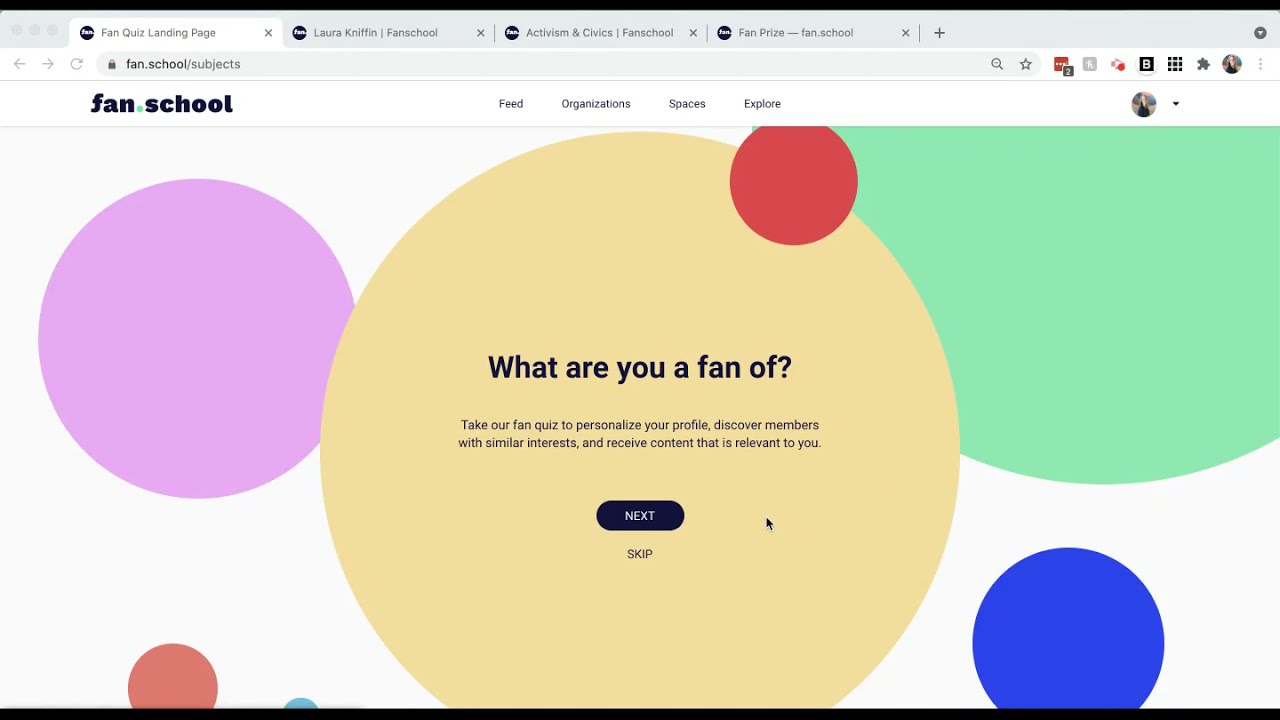
Fanschool is moderated by teachers which makes it a safe place for students to explore and make posts on. There are moderation tools that make it so that students can post safely. Teachers can create games and monitor all activity. Articles that students post can be public, but they must be approved by a teacher first. With this website you can connect with teachers, students, and organizations from down the hall, to across the world. There are individual profiles that documents learning and can act as a portfolio that demonstrates what a student has learned over the year. Fanschool can also be connected to other technologies like Canvas, Schoology, Google Classroom, Powerschool, Infinite Campus, and Skyward. After exploring the website as much as I could without a membership, students and teachers can select things that they are a fan of, like health and fitness, and then they will see more posts that has to do with that subject.
A teacher profile starts at $99 each year and you can also request a quote for your school or school district.
Ease of Use
From what I was able to look at, this website seems very easy to use, on both the teacher and student side. Students can select their interests and see posts that are tailored to them. They can get creative with their own posts. Best of all, since it is teacher monitored, students are always safe on this website.
Versatility

I would have to say that this website is pretty versatile. There are options to read other teacher and student's posts, as well as make your own. Teachers can monitor student work on different games that can be created and the students' profiles can act as a summative presentation of everything that they have done over the year.
Likelihood of Using
I am not sure how likely I would be to use this website specifically. Part of the reason being the cost, but I do really like everything this website has to offer. I think it would be a great addition to a classroom and is a really great way to teach students about digital citizenship. Something that I could see myself doing is using a different blogging website, like this one, to have my students use and share with their classmates.
Course Connections
I would connect this website to multiple different sections of the 7 Events and Technologies framework. I would first connect it to presenting the content because as a teacher you can create posts and then monitor student work within those posts. I would also connect it to assessing the lesson outcome since you can monitor progress as well as have students create their own posts discussing something that they learned from the lesson. This could then also connect to T2 (assessing) from the TLC model.


Hi Kaitlyn!
ReplyDeleteI have never heard of this program before! I like how teachers are able to create blogs, allowing their students to comment on them. I think that this is a very engaging program for teachers to use with their students. I also like how the program allows the teacher to track the students progress and monitor their work. I think this would be a great program to use inside of my future classroom. This is a great way to connect with students while also keeping track of their work! Great post!